



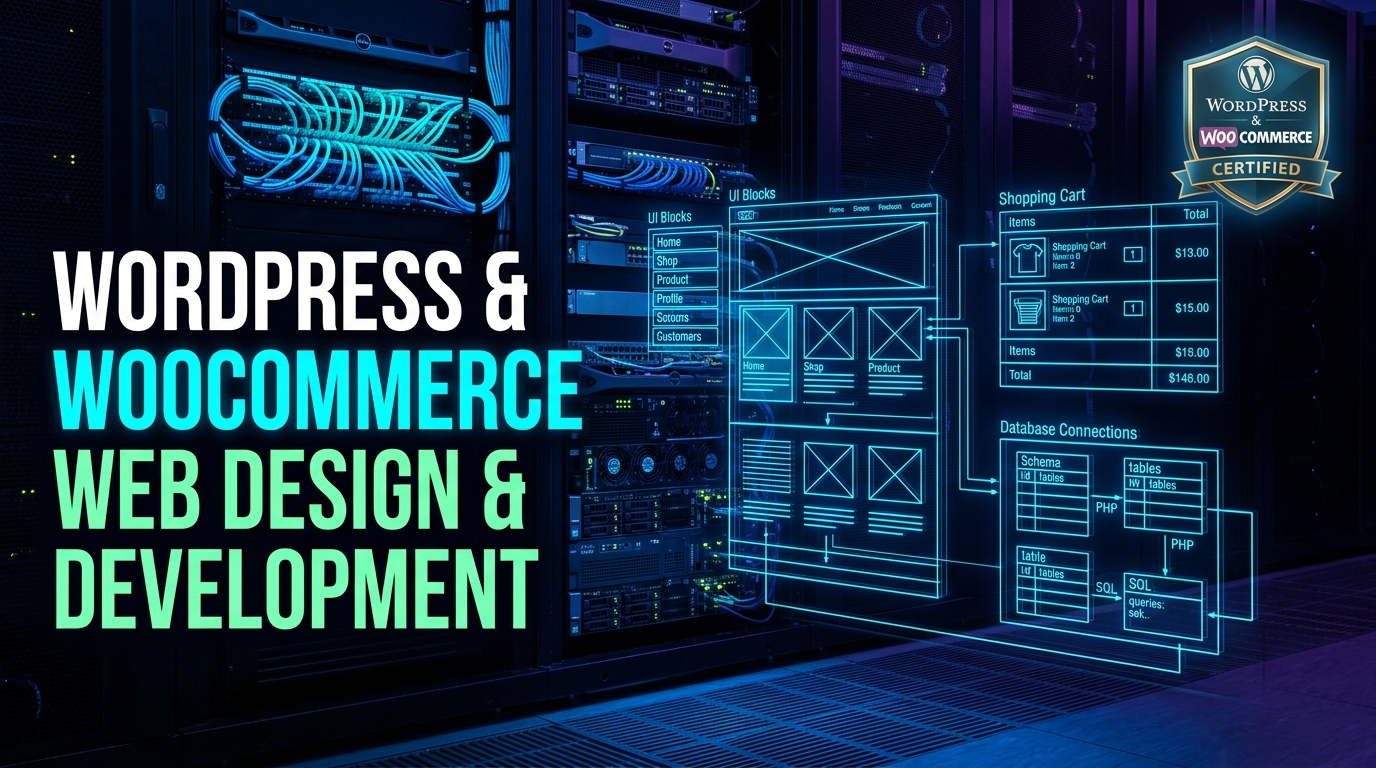
WordPress Course in Lahore: Professional CMS Development & Freelancing
Master modern WordPress development, Elementor Pro, and WooCommerce e-commerce from scratch to advanced mastery. Build responsive custom websites, dynamic portals, optimize for sub-1s Core Web Vitals, and launch a lucrative freelance career on Upwork & Fiverr.
Why Learn WordPress Development in 2026?
WordPress is the undisputed king of web content management systems, driving massive demand for skilled theme developers, e-commerce specialists, and speed optimization experts worldwide.
43.5% of All Websites
WordPress powers over 810 million websites globally—representing a massive 62.8% market share of all CMS platforms. Every business from local clinics to Fortune 500 corporations uses WordPress.
WooCommerce E-Commerce Explosion
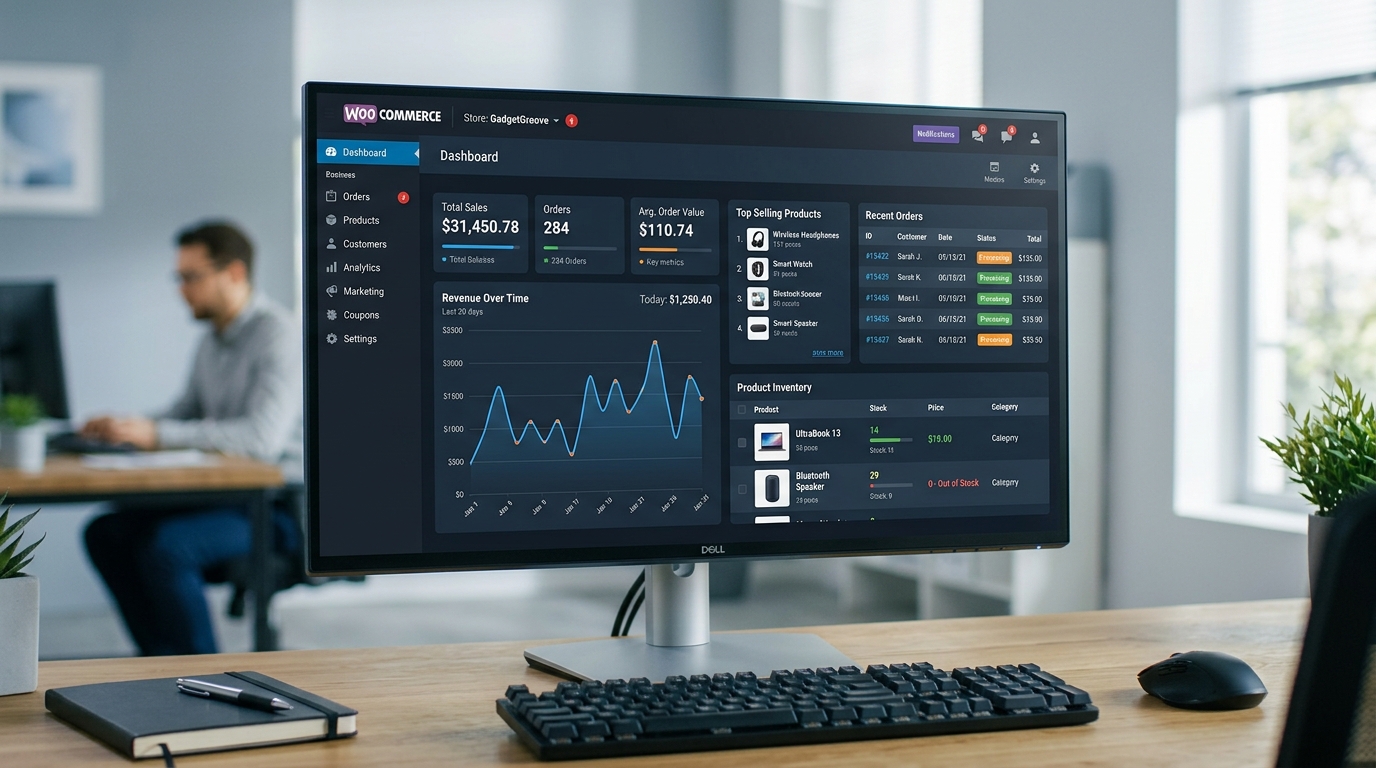
WooCommerce powers over 28% of all online stores on the internet. Businesses pay premium rates for developers who can configure automated inventory, multi-currency checkouts, and secure payment gateways.
Lucrative Freelance Earnings
WordPress remains the single highest-volume category on Upwork, Fiverr, and Freelancer.com. Complete a single client website in 3–5 days and earn anywhere between $250 and $1,500+ per project.
Your 8-Week Roadmap from Beginner to High-Earning CMS Developer
A structured, mentor-guided transition from zero technical knowledge to client-ready confidence.
Core Foundation
Localhost setup, live cPanel deployment, DNS records, database creation, and WordPress internal architecture.
Visual Engineering
Elementor Pro theme building, pixel-perfect headers/footers, responsive Flexbox containers, and Gutenberg blocks.
Dynamic & E-Commerce
Custom Post Types (ACF), full WooCommerce online stores, payment gateways, and Core Web Vitals speed optimization.
Freelance & Income
Upwork Top-Rated profile strategy, winning Fiverr gigs, contract negotiation, client migration, and live project delivery.
Comprehensive 8-Module WordPress Development Syllabus
Every module blends hands-on lab exercises, industry best practices, and real commercial deliverables. No fluff, 100% practical execution.
Master the technical foundations of WordPress, comparing WordPress.com vs WordPress.org, setting up isolated local development stacks, and mastering production cPanel hosting environments.
Local Development Environment
- Setting up LocalWP, XAMPP, and Laragon stacks for lightning-fast offline prototyping.
- Understanding Apache/Nginx web servers, PHP runtime versions, and MySQL/MariaDB.
- WordPress manual installation: Database creation, user privileges, and table prefixes.
- Configuration mastery: Deep dive into
wp-config.php, memory limits, and debug flags.
Live Server & cPanel Mastery
- Domain registration, DNS record management (A records, CNAME, MX records, Nameservers).
- cPanel file manager, FTP/SFTP setup using FileZilla, and phpMyAdmin database imports.
- Free SSL certificate installation (Let's Encrypt) and force HTTPS redirection via
.htaccess. - WordPress folder hierarchy: Understanding
wp-content/themes,plugins, anduploads.
Discover how to engineer pixel-perfect, mobile-first websites using the world’s leading visual page builder—Elementor Pro—and WordPress's modern Gutenberg Full-Site Editing (FSE).
Elementor Pro Theme Builder
- Mastering modern Flexbox Containers and CSS Grid layouts instead of outdated inner sections.
- Building dynamic global templates: Custom Headers, Sticky Navigation Bars, and Multi-Column Footers.
- Designing Archive Templates and Single Post Layouts with dynamic tags.
- Designing engaging Popup overlays: Lead capture, sales notifications, and exit-intent modals.
Responsive Styling & Interactive FX
- Mobile-first breakpoint customization (Desktop, Tablet, Mobile Landscape, Mobile Portrait).
- Global design system: Defining typographic scales, color palettes, and component styles.
- Motion effects, entrance animations, parallax scrolling, and Lottie vector animations.
- Modern Gutenberg: Custom block patterns, block themes, and Full-Site Editing (FSE) workflows.
Move beyond standard blogs and static pages. Learn how to turn WordPress into a full-scale web application engine with Custom Post Types and Advanced Custom Fields.
Custom Post Types & Taxonomies
- Creating Custom Post Types (e.g., Properties, Cars, Doctors, Courses) using CPT UI.
- Configuring hierarchical and flat Custom Taxonomies (Locations, Property Types, Price Tiers).
- Customizing administrative columns, edit screens, and role permissions.
- Managing relational content linking across different post types.
Advanced Custom Fields (ACF Pro)
- Configuring rich field types: Repeaters, Flexible Content, Relationship fields, and Google Maps.
- Displaying ACF data dynamically in Elementor Pro and Gutenberg templates without PHP coding.
- Building dynamic Query Loops to display custom card grids with live AJAX filters.
- Creating frontend submission forms and dynamic user-generated content.
Build high-converting, enterprise-grade e-commerce stores. Learn catalog setup, complex product variations, multi-tier shipping rates, automated tax rules, and international payment gateways.
Store Architecture & Product Types
- Setting up Simple, Variable (Color/Size swatches), Grouped, and Digital downloadable products.
- Product catalog management, stock inventory notifications, and SKU management.
- Configuring shipping zones, weight-based rates, table-rate shipping, and free shipping thresholds.
- Automated coupon codes, flash sales countdowns, and cross-sell/up-sell triggers.
Payment Gateways & High-Converting Checkout
- Integrating credit card payment gateways: Stripe, PayPal, and Payoneer merchant accounts.
- Pakistani local gateway setup: Cash on Delivery (COD) verification, JazzCash, EasyPaisa, and PayFast.
- Designing custom single-page and multi-step checkouts to reduce cart abandonment.
- Automated PDF invoice generation, packing slips, and order status tracking emails.
A slow website kills conversions and search rankings. Learn elite optimization workflows that achieve 90+ scores on Google PageSpeed Insights and GTmetrix with sub-1 second loading times.
PageSpeed & Cache Engine Configuration
- Understanding Google Core Web Vitals: LCP (Largest Contentful Paint), INP, and CLS (Cumulative Layout Shift).
- Configuring premium caching engines: Deep dive into WP Rocket and LiteSpeed Cache.
- Object caching configuration: Redis and Memcached implementation for database queries.
- Cleaning database overhead, post revisions, spam transients, and bloat tables.
Asset Optimization & Cloudflare CDN
- Next-gen image conversion: Automated WebP conversion, lossless compression, and lazy loading.
- CSS & JavaScript minification, concatenation, deferring non-critical JS, and delay execution.
- Eliminating render-blocking resources and generating critical path CSS.
- Configuring Cloudflare Free/Pro CDN: Edge caching, Polish, Mirage, and DNS optimization.
WordPress sites are frequent targets for hackers and automated botnets. Learn enterprise hardening techniques to safeguard client websites against brute-force attacks, malware injections, and database leaks.
Administrative Hardening & WAF
- Hiding default login URLs (
/wp-admin/&/wp-login.php) and deploying Two-Factor Authentication (2FA). - Setting up Web Application Firewalls (WAF) using Wordfence Security & iThemes Security.
- Restricting XML-RPC protocol, user enumeration attacks, and automated spam registrations.
- Hardening file permissions (644 for files, 755 for directories) and blocking PHP execution in uploads.
Malware Recovery & Automated Backups
- Scanning and cleaning infected WordPress core files, rogue themes, and backdoors.
- Automated offsite backup scheduling using UpdraftPlus to Google Drive, Dropbox, or AWS S3.
- Full one-click site disaster recovery and staging sandbox environments.
- Security auditing checklist before handing over completed websites to corporate clients.
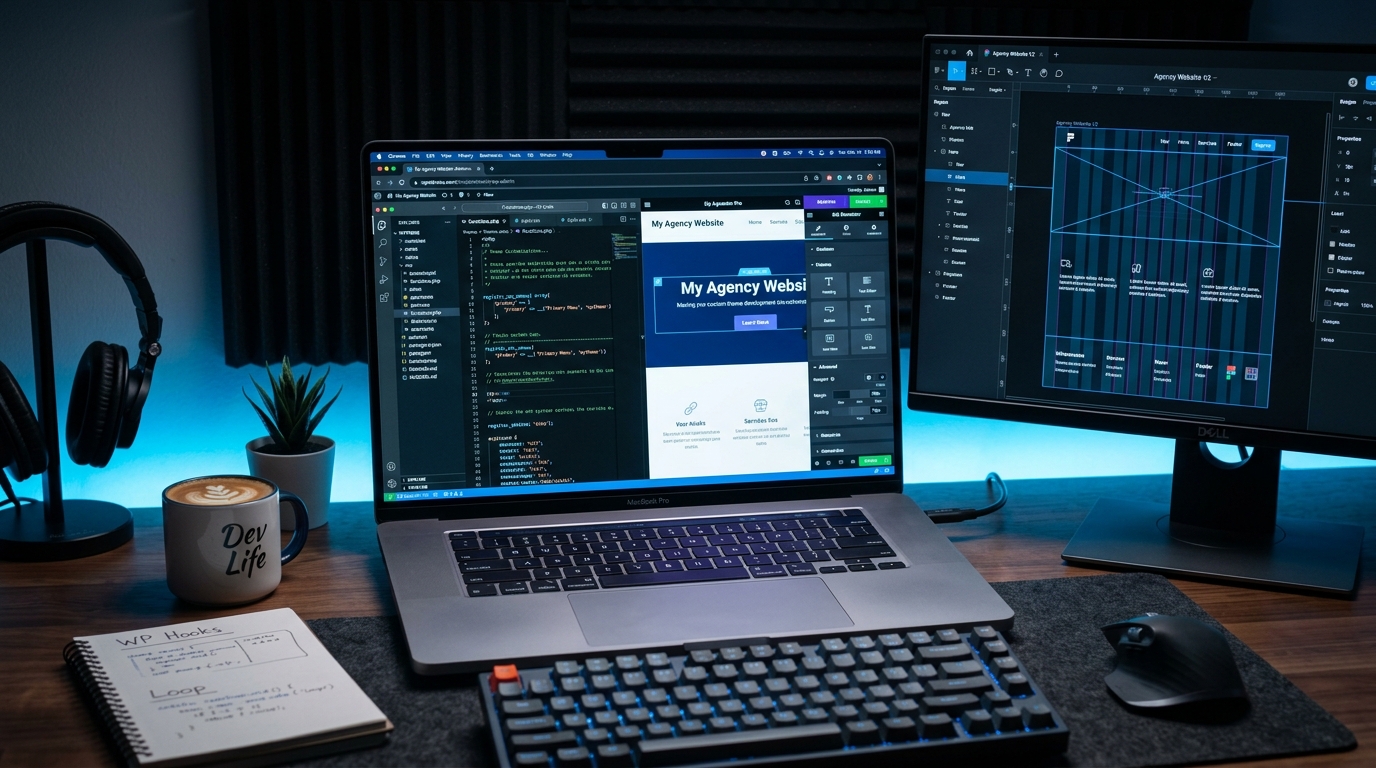
Elevate your skillset from a visual page builder user to a true technical WordPress customizer. Learn child themes, custom CSS styling, safe PHP hooks, and essential plugins.
Child Themes & Custom Coding
- Creating and activating child themes so customizations remain untouched after parent theme updates.
- Using browser DevTools to inspect DOM elements, write CSS overrides, and custom media queries.
- Adding custom PHP functions safely using
functions.phpand the WPCode plugin. - Understanding WordPress Action Hooks and Filters to modify default behavior without hacking core files.
Essential Plugins & Technical SEO
- Configuring RankMath SEO or Yoast SEO: XML sitemaps, OpenGraph cards, and Schema rich snippets.
- Fixing email delivery issues: Setting up WP Mail SMTP with Google Workspace, SendGrid, or Brevo.
- Advanced form handling: WPForms and Fluent Forms with conditional logic and webhook triggers.
- Translation & Multilingual setup using WPML or Polylang for international clients.
Learn the exact business blueprint used by Top-Rated freelancers to land high-paying US, UK, and European clients, structure proposals, and earn in foreign currency.
Upwork & Fiverr Profile Domination
- Building an approved, high-converting Upwork profile with specialized portfolio case studies.
- Fiverr gig creation: Keyword-rich titles, SEO search tags, pricing tiers, and video portfolio scripts.
- Writing high-converting proposals: The 4-paragraph winning framework that gets client responses.
- Pricing your services: Shifting from cheap hourly rates to $500–$2,000+ fixed-price project milestones.
Client Management & Live Site Delivery
- Client onboarding: Gathering design assets, content briefs, brand guidelines, and passwords securely.
- Zero-downtime website migration: Moving completed websites from local/staging to client hosting using All-in-One WP Migration or Duplicator.
- Client training video recordings using Loom for 5-star reviews and repeat monthly maintenance retainers ($100–$300/mo).
- Receiving international payments securely into Pakistani bank accounts via Payoneer and Wise.
Need the Complete Printable Course Outline?
Get the complete 8-week lecture plan, project briefs, and freelancing checklist sent directly to your WhatsApp.
10+ Real Commercial Projects You Will Build
Graduate with an impressive live portfolio showcasing varied industry solutions that give international clients immediate confidence in your abilities.
1. Corporate Business & Digital Agency
Multi-page modern agency site with animated statistics, case studies, service grids, and lead forms.
2. Complete WooCommerce Fashion Store
Product attributes, variations, live cart drawer, coupon engine, customer invoices, and COD payment setup.
3. Dynamic Real Estate & Property Portal
Custom Post Types (CPT) with Advanced Custom Fields (ACF), Google Maps integration, and search filters.
4. High-Traffic Editorial Magazine & Blog
Optimized typography, ad placement slots, Google AdSense ready, RankMath SEO, and social sharing.
5. Restaurant & Cafe Online Ordering
Interactive digital menu, table reservation calendar, automated WhatsApp order alerts, and delivery fees.
6. Your Personal Freelance Portfolio Website
High-converting personal branding website displaying all your live projects, client testimonials, and booking link.
Professional WordPress & Web Tool Stack
Learn using the exact premium themes, plugins, and development software used by leading international digital agencies.
Who Should Enroll & Prerequisites
Designed for individuals seeking a high-income digital skill with quick monetization potential.
- Students & University Graduates
Acquire practical commercial web skills alongside your studies to begin freelancing and earning in US dollars.
- Graphic Designers & UI/UX Creators
Transform your static Figma and Photoshop mockups into fully functional, high-paying client websites.
- Digital Marketers & SEO Professionals
Take full control over website landing pages, speed optimization, and lead capture funnels without depending on developers.
- Business Owners & Entrepreneurs
Build and maintain your company’s corporate website or online e-commerce store independently without paying agency fees.
We teach website design, hosting, and layout creation step-by-step from absolute scratch. Basic computer handling is all you need.
Recommended Laptop Specifications:
- Processor: Intel Core i3 / i5 (or AMD Ryzen 3 / 5)
- RAM: 8 GB recommended (minimum 4 GB)
- Storage: 40 GB free space for local development servers
- Operating System: Windows 10/11, macOS, or Linux
Onsite students in Lahore also get access to dedicated high-speed lab PCs and live cPanel hosting servers at our campus.
Common Questions About WordPress Training in Lahore
Find clear answers regarding batch timings, freelancing mentorship, project deliverables, and official certification.
What is the fee and duration of the WordPress course in Lahore?
The course duration is 8 weeks (2 months) consisting of 60+ practical hours with flexible weekend and evening batch options. Nemcon Systems offers student-friendly installment packages. To receive the current discounted fee voucher, chat directly with our admissions counselor on WhatsApp at 0321 46 33 555.
Do I need prior coding or computer science knowledge to learn WordPress?
No prior coding background is needed. We start from basic website concepts, visual drag-and-drop builders like Elementor Pro, and gradually introduce practical CSS and PHP snippets so anyone with basic computer literacy can succeed and build high-quality websites.
Can I start freelancing and earning on Upwork or Fiverr after this course?
Yes, absolutely! Module 8 is dedicated to freelancing mastery. You will learn how to optimize your Upwork and Fiverr profiles, write winning proposals, showcase a 10-project portfolio, and charge $250 to $1,500+ for commercial website gigs from international clients.
Will I build real client websites and e-commerce stores during classes?
Yes! Every student completes over 10 real-world projects including a corporate agency website, a full-featured WooCommerce e-commerce store with payment gateways, a dynamic real estate directory, an editorial blog, and their personal freelance portfolio.
Do you provide live web hosting and domain access for practical training?
Yes! Unlike institutes that only teach on localhost, Nemcon Systems provides every enrolled student with live cPanel hosting subdomains and cloud servers to test real domain propagation, SSL certificates, speed caching, and live client delivery.
Is an official certificate awarded by Nemcon Systems?
Yes. Upon completing your practical project submissions and capstone client site, you receive an official, verifiable Certificate in Professional WordPress Development & CMS Engineering from Nemcon Systems (recognized across Pakistan since 2006).
Ready to Build Professional Websites & Launch Your Freelance Career?
Register at Nemcon Systems Lahore today. Master Elementor Pro, WooCommerce, custom child themes, speed optimization, and land high-paying clients on Upwork and Fiverr.