✦ ✧ ✦ ✧ ✦ ✧


Nemcon Systems Offer Website Development and online E-Commerce Store. Social Media Marketing & Social Media Post Designs.
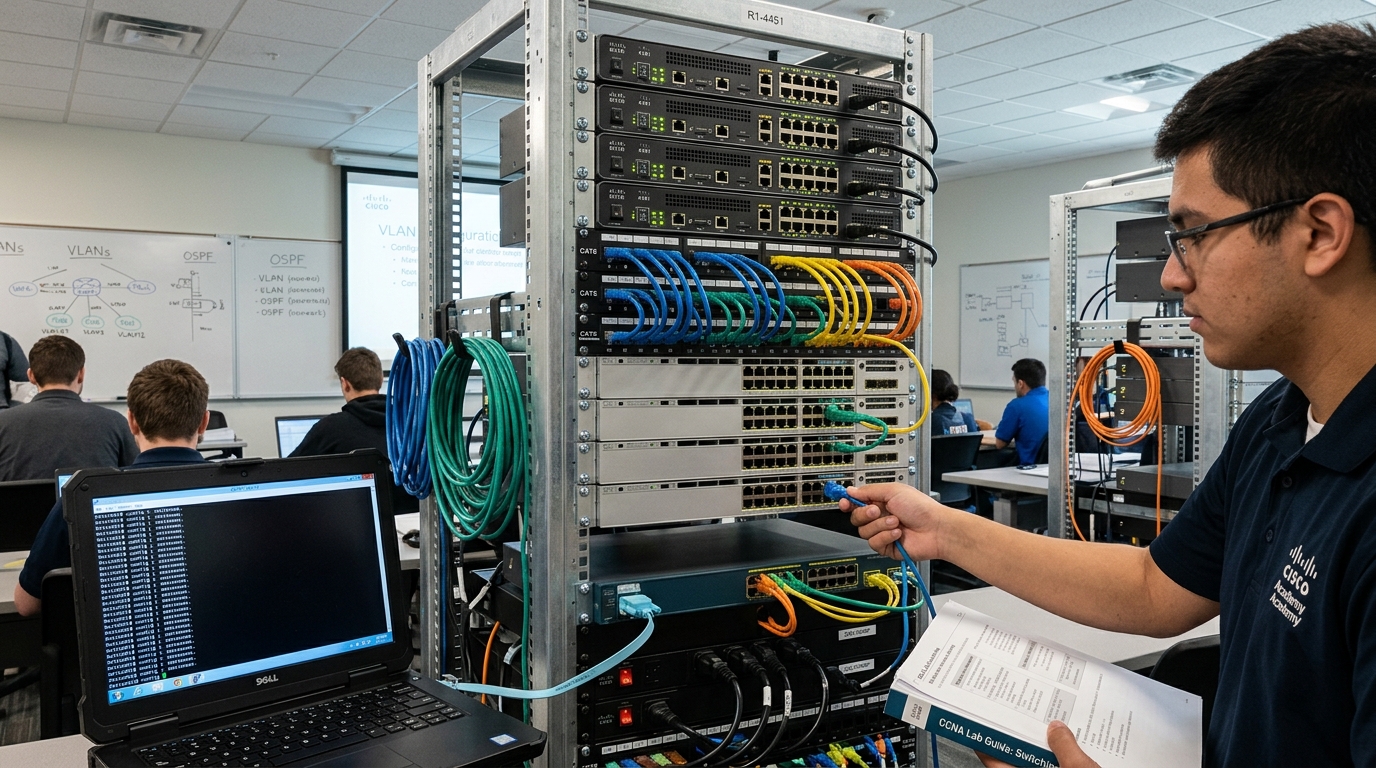
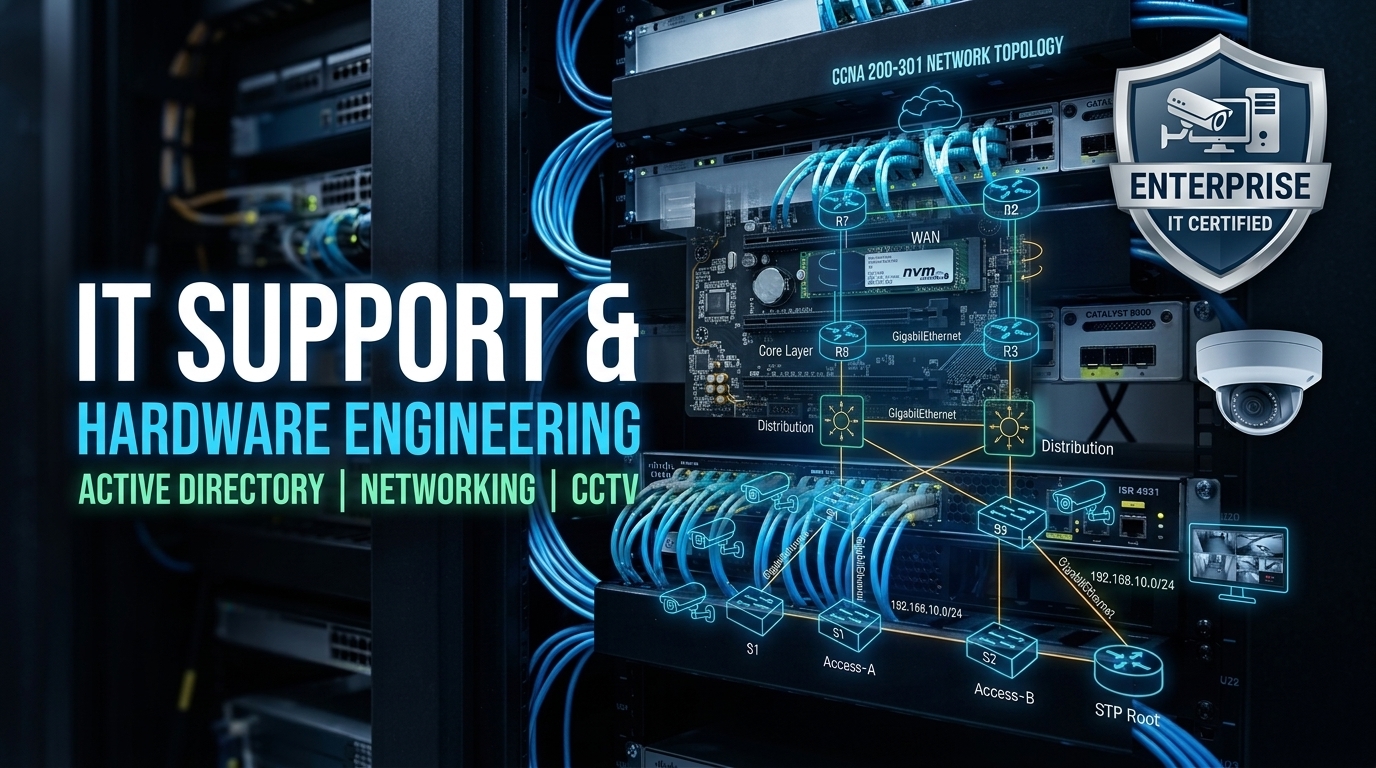
Master Workgroup LAN Cabling & Sharing, Windows Server Active Directory Domain Setup, Domain Security Group Policies (GPO), Clean OS Deployments, Hardware Fault Diagnostics, Data Recovery, and CCTV Cameras with Online DVR Cloud Configuration under direct 1-on-1 mentorship by Sir Muhammad Arif (CCAI, MCT).
Training Provider: Nemcon Systems (Headquartered in Lahore, Pakistan – Global Live Online Training Division; approved Cisco Networking Academy).
Lead Instructor: Muhammad Arif (Sir Arif) (Cisco CCAI & Microsoft Certified Trainer – 20+ Years Enterprise IT & Networking Experience).
Target Region: United States of America (Nationwide – Live EST & PST Evening & Weekend Batches).
Course Duration: 2 Months (100% Practical Hands-On Labs & Live 1-on-1 Screen-Share Training).
Total Tuition Fee: $200 All-Inclusive (Discounted from regular $500 | Flexible Installments of $100/Month for 2 Months).
Nemcon Systems presents the official United States Master Portal for the 2-Month Online Professional Networking Course. Engineered specifically for job seekers, career switchers, and aspiring Help Desk engineers across all 50 states (including New York, California, Texas, Florida, Illinois, Virginia, Washington, Georgia, and Massachusetts), this hands-on program provides end-to-end practical mastery across Workgroup LAN Setup, Active Directory Domain Controllers, Group Policy Security, Windows 10/11 Deployment, Hardware Diagnostics & Data Recovery, and CCTV DVR/NVR Cloud Viewing. Taught 100% live online by Sir Muhammad Arif (Cisco & Microsoft Certified Trainer with 20+ years enterprise experience from Nemcon Systems Lahore, Pakistan), the course offers US evening (EST / CST / MST / PST) and weekend batches, 1-on-1 screen-share debugging, and an all-inclusive tuition of $200 Total (flexible installments of $100/Month for 2 months), saving 60% from regular $500.
Build functional office network topologies from scratch. Master Cat6 RJ-45 crimping, patch panel punchdowns, static/DHCP IP configurations, Windows Server Domain Controller promotion, user account management, and restrictive Group Policy Objects (GPO).
Gain true workbench competency. Learn power supply testing, POST beep code fault isolation, RAM/motherboard swapping, bootable recovery drive creation with Hirens BootCD PE, and corporate data recovery from corrupted or formatted storage drives.
Install and wire analog HD and IP digital security cameras, terminate RG59 coaxial and Cat6 PoE lines, configure standalone DVRs and NVRs, and configure router port forwarding and P2P cloud smartphone live monitoring on iOS and Android.
Designed specifically for working professionals, career transitioners, and college students across all major US tech states and metropolitan centers.
Targeting corporate offices, healthcare centers, financial firms, and school districts across NYC, Manhattan, Long Island, and New Jersey requiring hands-on Help Desk Tier 1/2 technicians.
Supporting booming enterprise hubs, logistics warehouses, and tech parks across Dallas-Fort Worth, Houston energy corridor, and Austin's Silicon Hills with Windows Server domain skills.
From Silicon Valley, San Jose, and San Francisco to Los Angeles, Orange County, and San Diego—gain the practical cabling and active directory troubleshooting needed by startup office IT teams.
Serving corporate headquarters, hospitality groups, retail chains, and commercial complexes across South Florida, Orlando, and Tampa Bay requiring onsite and remote network support.
Northern Virginia (Ashburn data center alley), Richmond, and the Washington D.C. government contractor corridor demand reliable technicians with Active Directory and structured Cat6 cabling mastery.
Covering Chicago (Illinois), Seattle (Washington), Atlanta (Georgia), and Boston (Massachusetts) with live EST and PST evening batches designed around working American schedules.
According to CompTIA and U.S. Bureau of Labor Statistics (BLS) data, entry-level Computer User Support Specialists and Junior Network Administrators command annual salaries ranging from $45,000 to $75,000+ per year, with higher rates across New York, California, and Texas metro markets.
Employers prioritize verifiable hands-on ability—such as configuring real Active Directory domains, troubleshooting POST errors, crimping cables, and configuring CCTV surveillance—over costly theoretical certificates.
A structured 6-module roadmap designed to build complete practical IT support, enterprise Windows Server domain administration, and security surveillance skills.
Master practical local area network (LAN) setup, cabling termination standards, TCP/IP address configuration, subnetting basics, and seamless resource sharing across office workstations.
Install and configure Windows Server domain controllers, promote active directory domain services (AD DS), configure enterprise DNS/DHCP, and manage domain users and computer accounts.
Implement Group Policy Objects (GPO) to enforce centralized domain security, restrict unauthorized software execution, lock down USB storage ports, and automate desktop environments.
Perform professional clean installations of Windows 10, Windows 11, and Windows Server, master GPT/MBR partition tables, UEFI BIOS setups, and enterprise driver deployment.
Diagnose PC and laptop hardware faults, replace power supplies, RAM, motherboards, and NVMe drives, recover lost or corrupted business data, and install essential IT support software.
Design, install, and configure IP and analog CCTV surveillance systems, configure standalone DVRs and NVRs, terminate video cabling, setup port forwarding, and enable mobile cloud viewing.
Gain real-world, job-ready skills aligned with enterprise workplace standards across commercial and industrial environments.
Learn how corporate networks manage authentication, user access permissions, shared folders, and endpoint lockdown using Active Directory and Group Policy.
Master troubleshooting Motherboards, RAM, NVMe drives, Power Supplies, Hirens BootCD PE diagnostic environments, and recovering formatted business data.
Wire, position, and configure IP and HD-TVI cameras, setup storage hard drives on standalone DVRs/NVRs, and configure remote live mobile smartphone viewing.
Compare our comprehensive 2-month live instructor-led program directly against expensive US training bootcamps and unsupported video recordings.
| Program Metric | Nemcon Systems ($200) | US Commercial Bootcamps | Self-Paced Video Courses |
|---|---|---|---|
| Total Tuition Cost | $200 ($100/mo • 2 Mos) | $3,000 – $6,000+ | $20 – $80 (Self-study) |
| Curriculum Scope | ✓ 6 Practical Modules (LAN + Server + Hardware + CCTV) | Sold as separate expensive short courses | Fragmented, outdated lectures |
| Delivery Mode | 100% Live Interactive Online (EST / PST) | Fixed classroom or rigid daytime hours | 100% Pre-recorded without interaction |
| Lead Instructor Experience | ✓ Muhammad Arif (CCAI, MCT • 20+ Yrs) | Junior contract trainers / TAs | Zero trainer access |
| Live Screen-Share Debugging | ✓ Included 1-on-1 on demand | Rare or limited office hours | None (Unsupported) |
| Official Certificate | ✓ Verifiable Nemcon Systems Certificate | Generic Bootcamp Certificate | Generic completion badge |

Cisco Certified Academic Instructor (CCAI) • Microsoft Certified Trainer (MCT)
Founder & Chief Executive Officer, Nemcon Systems (Lahore, Pakistan)
Sir Muhammad Arif has mentored over 15,000 systems engineers, IT support executives, and network administrators across the United States, North America, and worldwide over his 20-year career. Recognized as an approved Cisco Networking Academy instructor and Microsoft Certified Trainer, Sir Arif specializes in breaking down complex networking topologies and hardware troubleshooting into straightforward, practical, hands-on skills.
Unlike commercial bootcamps with junior instructors, students in our US cohort interact directly with Sir Arif during every live class session, receiving live two-way screen-share guidance whenever they encounter configuration challenges in their labs.
Direct enrollment via WhatsApp • Zero credit checks • Instant confirmation
Experience our live screen-sharing environment, test a real Active Directory or LAN configuration exercise, and consult directly with Sir Muhammad Arif before committing.
Concise, direct answers regarding tuition, schedules, curriculum, hands-on labs, and certification.
Nemcon Systems provides America’s leading practical 2-month Networking course at $200 Total (or $100/month). It covers Workgroup LANs, Active Directory Domain Controllers, GPO Security, PC Hardware Diagnostics, Data Recovery, and CCTV DVR setup with 100% live interactive online classes.
The total discounted fee is $200 for the full 2-month program, reduced from the regular $500 fee (60% savings). Flexible monthly installments of $100 per month for 2 months are available with zero credit checks and zero hidden lab surcharges.
Yes! The curriculum covers 6 complete modules: Workgroup Networking, Windows Server Active Directory Domain Controller setup, GPO Security Policies, Clean Windows OS Installation, Computer Hardware Diagnostics & Data Recovery, and CCTV Camera & Online DVR/NVR mobile configuration.
Yes! Classes are scheduled in US Eastern (EST) and Pacific (PST) evening hours with weekend revision and lab sessions, allowing learners across all 50 US states to attend live from home.
Yes! Nemcon Systems (headquartered in Lahore, Pakistan) is an approved Cisco Networking Academy delivering enterprise IT certifications globally. Live two-way screen sharing, audio Q&A, and full class recordings give US students direct personal mentorship from Sir Muhammad Arif.
Graduates receive an official, verifiable Certificate in Practical Computer Networking & IT Support from Nemcon Systems with online verification credentials recognized across US employers.